
Two devices, one session, every trial recorded
VITL runs in a web browser on the devices you already have. The instructor device drives the session; the student device shows only what the learner needs to see.
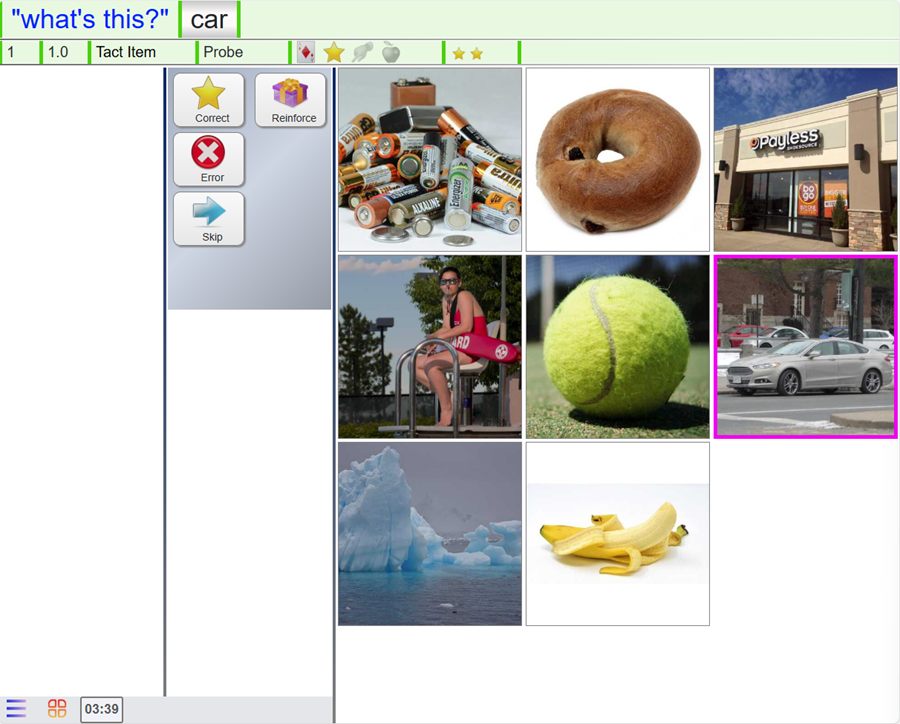
Instructor device
The instruction in large type, one-tap scoring and a reinforcement prompt.

Student device
Only the teaching field: pictures, video, or a clear screen.
In the same room or apart. Both devices connect through a web browser, side by side in the clinic or from different places. An instructor can also run a session on a single screen.
From the plan to saved data in five steps
Load the learner
The dashboard shows today's numbers and what is ready to run.
Start the session
VITL builds the session from the learner's plan: current targets, mastered skills for maintenance, and skills that need another look.
Teach and score
Present the instruction, score each trial and reinforce when prompted. Skip a skill that isn't right today.
End and save
Skipped skills can be kept, set aside, or flagged for the instructor before the session is saved.
See the result
The trials appear in session history right away and feed the dashboard and the Progress Report.
If something goes wrong
A lost connection or a closed tab doesn't lose the session: resume it, or take it over on another device.
Everything for the next trial, nothing extra
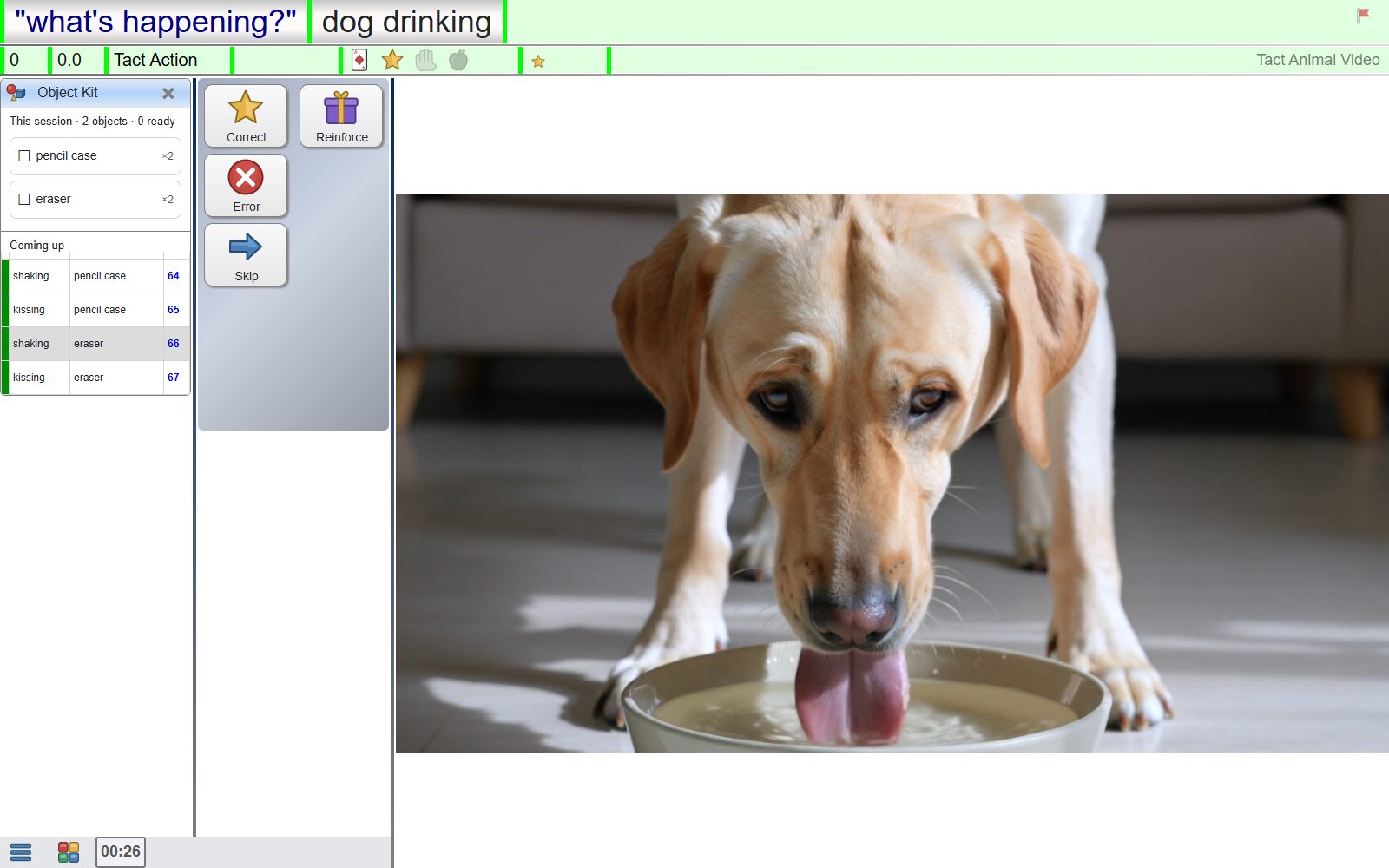
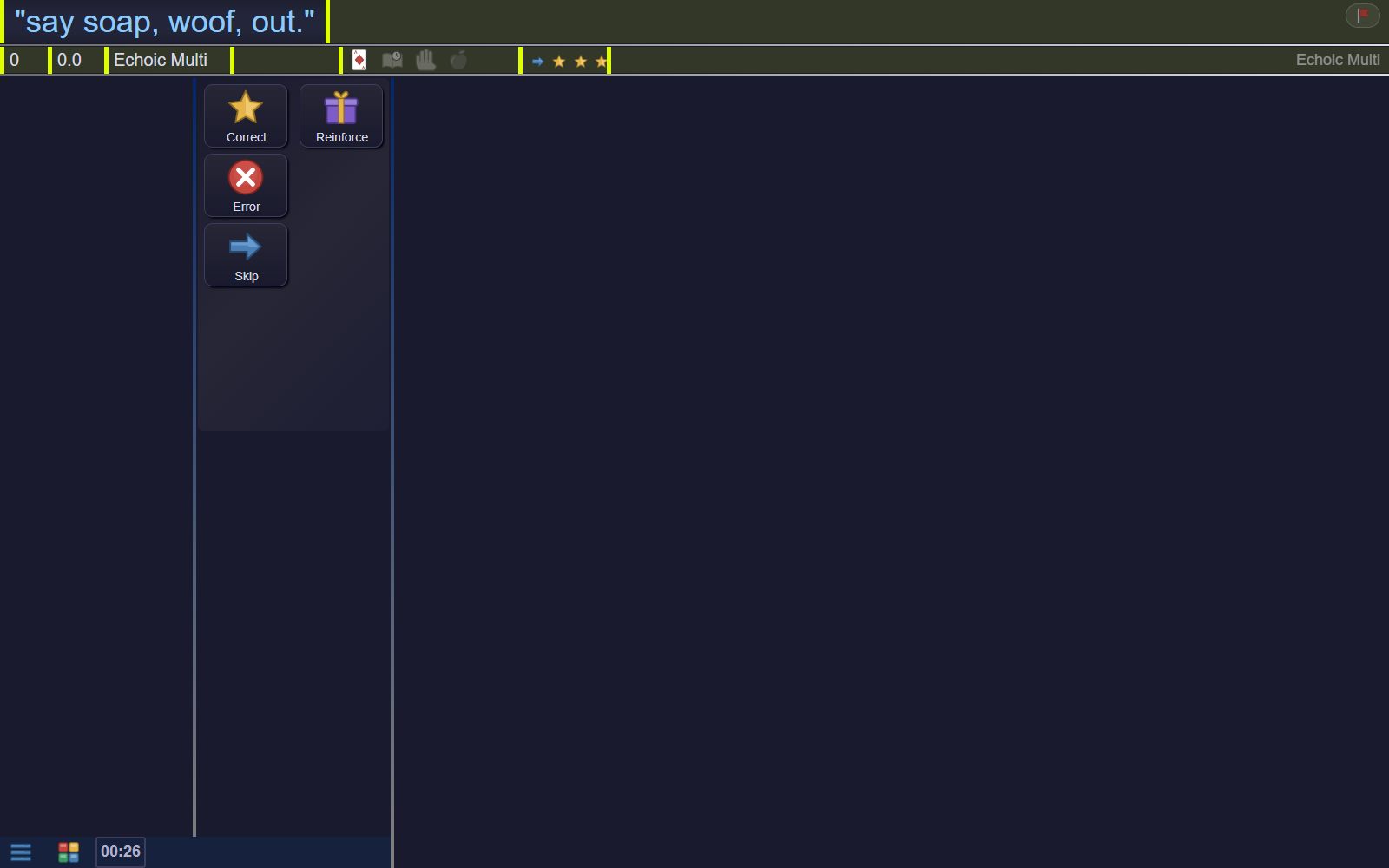
- The instruction and target in large type
- Correct, Error and Skip in one tap
- A reinforcement prompt on a schedule you set
- A session timer and a short look at what's coming up
- A quick way to flag a picture or instruction that looks wrong
The right access for each role
Each staff member is linked to the learners they work with, at an access level that fits the role, from view-only up to editing the plan.
Instructors
Plan, teach and review: build the plan, run sessions and read the Progress Report.
Technicians
Teach and review. Instead of changing the plan, they flag a skill for the instructor.
Student devices
A separate sign-in for the learner's device, which shows only the teaching field.
Administrators
Manage staff accounts, roles, and which learners each person can see.
No installs, no special hardware
A web browser
VITL is a web app. Sign in from a current browser; there is nothing to install or update.
Two screens (or one)
A laptop or tablet for the instructor and a tablet or touch screen for the learner. One screen works for practice.
An internet connection
Sessions, data and media live in the cloud, so any signed-in device picks up where the team left off.