
Teaching screens
What the instructor and the learner see
Each example shows the instructor's screen on the left and the student device on the right. Programs with a visual field show pictures or video to the learner; vocal and motor programs keep the student screen clear.
Visual field
Instructor-led
Tact Item
The learner names the highlighted item.
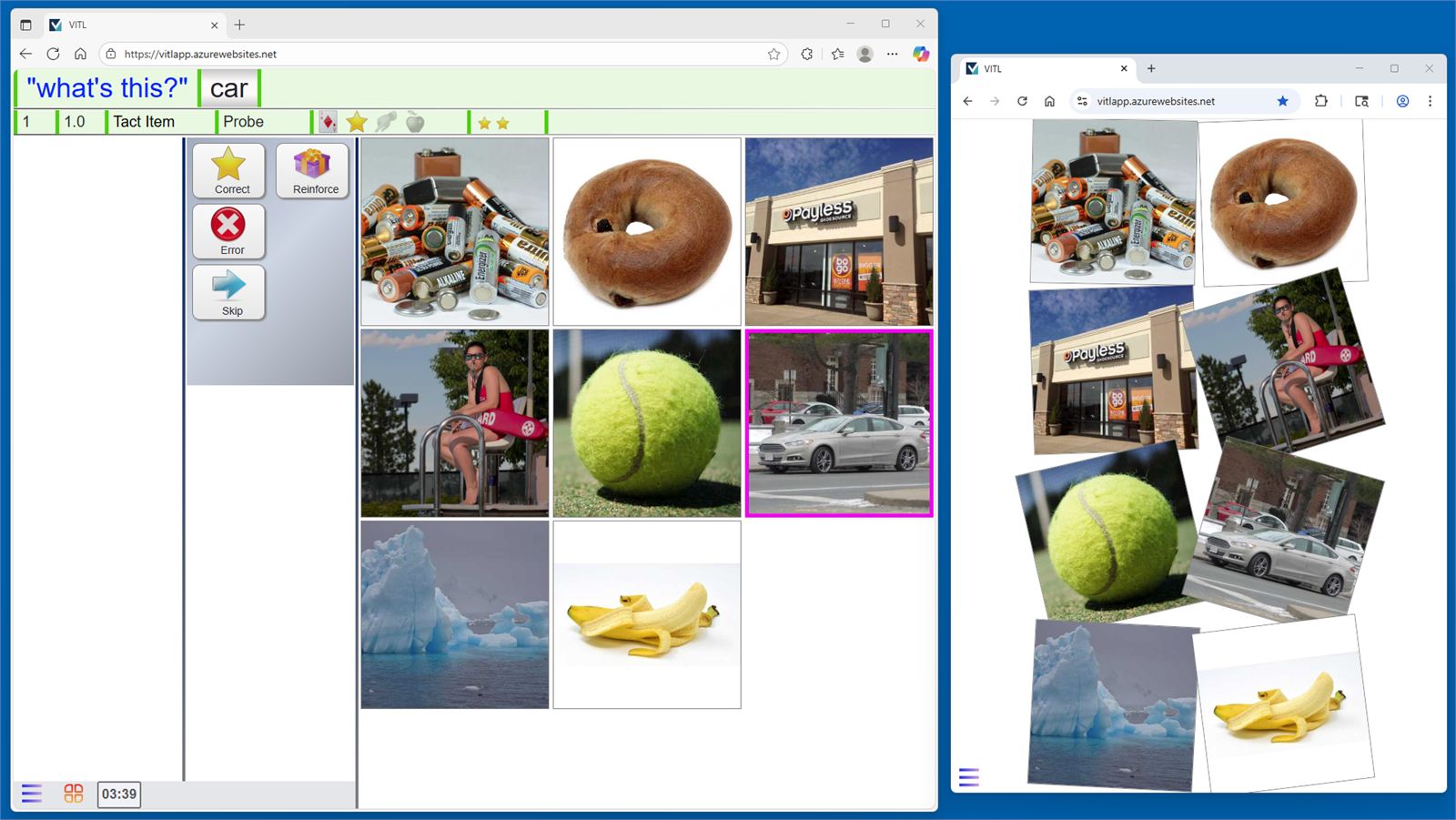
Example 1
A balanced session deck
Each session mixes current targets with mastered skills for maintenance, and skills answered incorrectly come back sooner.
Programs that connect
Each program has its own color, and related skills are grouped, so a picture can lead into a matching or puzzle trial.
Many examples per skill
Different pictures of the same item rotate across sessions to help the learner generalize.